
Mobile gaming has changed how Dutch players engage with online casino entertainment, and the Slotoro Casino app places that freedom right in your pocket https://slotoro.com.nl/app/. We’ve built a quick installation process that operates without a hitch on the most popular smartphones across the Netherlands. If you’re on an Android device from Samsung or an Apple iPhone, this guide takes you through every step, from checking compatibility to making your first deposit. By the end, you’ll know precisely how casino app installation works and why Slotoro Casino tunes everything for Dutch players.
Device Compatibility: What You Need Before Getting Started
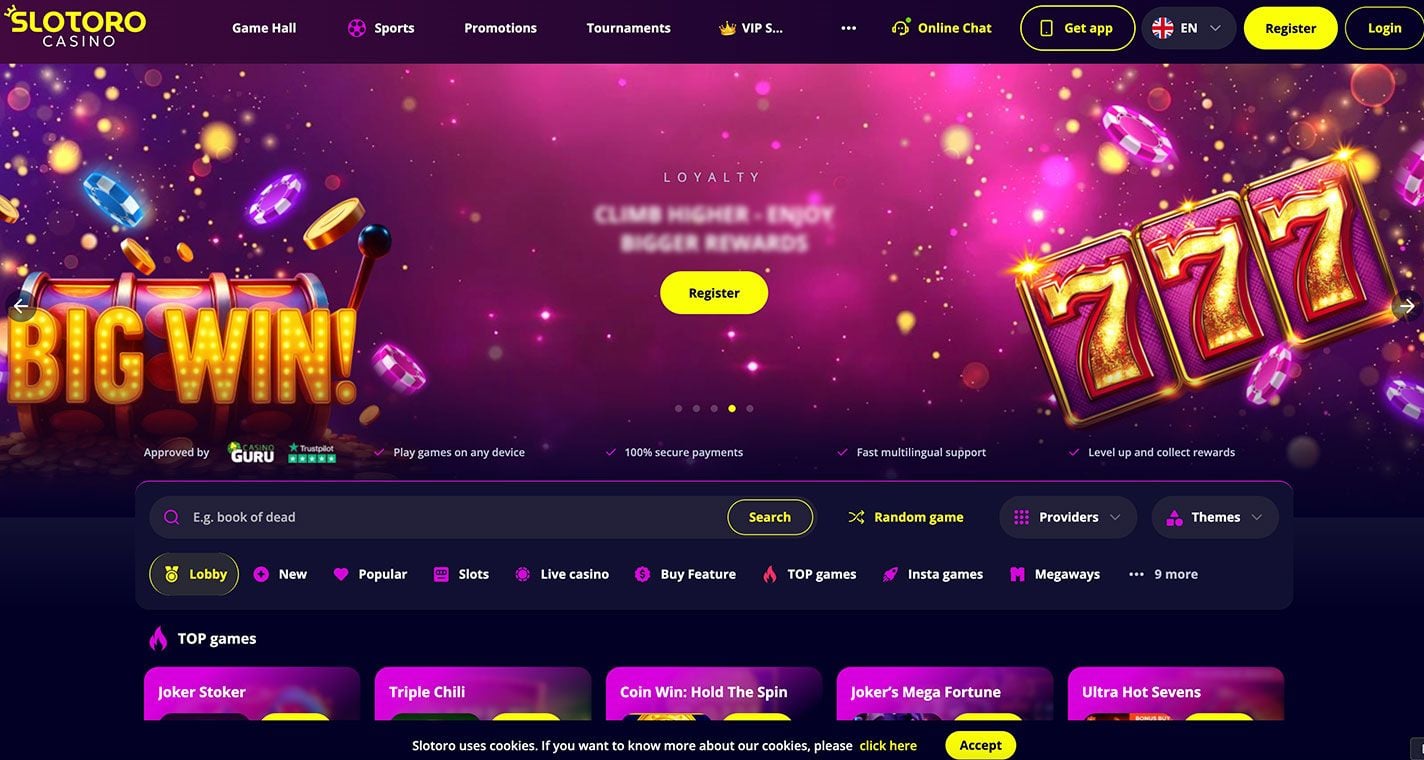
Before downloading the Slotoro Casino app, it’s wise to confirm that your phone or tablet satisfies a few specifications. The app works on a broad range of hardware, but a fast check now can prevent aggravation later. It works with devices operating on Android 8.0 (Oreo) or newer, plus iPhones and iPads with iOS 13 or above. You also need at least 150 MB of free storage and a stable internet connection—Wi‑Fi or a reliable 4G/5G mobile data network. Most modern Dutch handsets easily meet these minimums.
- Android 8.0 (Oreo) or later
- iOS 13 and above
- A minimum of 150 MB of free space
- A reliable Wi‑Fi or mobile data connection
Ways to Download and Install the Slotoro Casino App
Android Installation
Android players get the app by downloading an APK file right from our verified website. This approach ensures you on the newest version and is fully aligned with Dutch gaming authority rules. Open your mobile browser, visit our site, and tap the download button. Once the APK completes downloading, click it to launch the installer. If your device shows a security warning about unknown sources, allow the installation just for this file. The whole thing requires less than a minute on a decent connection.
- Visit the authorized Slotoro Casino website on your Android device.
- Click the “Download for Android” button to fetch the APK file.
- Access the downloaded file and, if prompted, enable installation from unknown sources.
- Complete the on‑screen prompts to complete the setup.
iOS Setup
iPhone and iPad users set up through the App Store as standard. Verify your Apple ID region is set to the Netherlands; otherwise the app will not show up in search. Launch the App Store, input ‘Slotoro Casino’ in the search bar, and press ‘Get.’ Confirm with Face ID, Touch ID, or your password, and the app installs automatically. When the icon lands on your home screen, you can sign up or access. The iOS app offers Dutch players the same full features as Android, featuring native Dutch language support.
- Open the Apple App Store and make sure your region is configured to Netherlands.
- Search for “Slotoro Casino” and tap “Get”.
- Confirm with Face ID, Touch ID, or your Apple ID password.
- Stay for the app to download and appear on your home screen.
Creating Your Account Straight from the App
Creating your Slotoro Casino account through the app requires a couple of minutes. Press the register button, enter your personal information. Because we serve the Netherlands, the forms are in Dutch and follow local Know Your Customer regulations. You’ll be required to give a valid email address, establish a strong password, and acknowledge you are at least 18 years old. After goal.com a brief identity check, you can complete your first deposit immediately with iDEAL, the trusted Dutch online banking method. Once verified, your full account is ready for real‑money play.
- Open the app and click “Register”.
- Provide your personal details as mandated by Dutch KSA regulations.
- Validate your identity via email or SMS.
- Finish the age verification and add money using iDEAL or another supported method.
Essential App Features That Make the Download Rewarding
The Slotoro Casino app packs features that make mobile play appear intuitive. Every title is adjusted for touchscreens, so slots and live dealer games run buttery smooth. The app stores your preferences, supports fingerprint or face login, and sends push notifications about tournaments and bonuses designed to Dutch players. iDEAL is built directly into the cashier, so deposits land in seconds. If you’re in the mood for a quick spin on Starburst or an immersive live roulette session, the app brings the whole casino floor inside your pocket.
- Direct access to over 500 slots and live dealer tables
- iDEAL payments for rapid, familiar Dutch deposits
- Push notifications for Netherlands‑exclusive bonuses
- Secure biometric access (fingerprint or face) for quick access
- Full Dutch‑language interface and regional assistance
Comprehending Permissions and Security At the Time of Installation
When you install the Slotoro Casino app, it asks for a handful of permissions that are required for a rapid gaming experience. Storage access is employed exclusively to cache game files, which cuts load times and data consumption. Notification permission lets us send you special Dutch promos and account updates; you can modify these alerts any time in your device settings. The app at no point reads your contacts, messages, or private files. All data transmissions are coded using industry‑standard protocols, and our platform is regularly audited to meet the security standards required by the Dutch Kansspelautoriteit. hoofdpunten
Troubleshooting Common Installation Issues
Even a simple installation can sometimes run into a problem. Most issues arise from device settings or network hiccups, not the Slotoro Casino app itself. Android users sometimes forget to enable installations from unknown sources, which prevents the APK from opening. iOS players may encounter a region mismatch if their App Store account isn’t set to the Netherlands. Low storage, an unstable connection, or a corrupted download can also lead to trouble. The quick fixes below cover the most common situations, and our Dutch‑speaking support team is always ready to help if you require a human touch.
- “App not installed” on Android: Activate unknown sources and make sure you have enough free space.
- “App not available in your region” on iOS: Switch your App Store region to Netherlands.
- Download stuck: Verify your connection or restart your device.
- Installation blocked by Play Protect: Tap “Install anyway” after checking the APK’s source.
Installing the Slotoro Casino app is fast and secure, delivering premium entertainment right at your fingertips. Apply the steps for your Android or iOS device and you’ll be in the lobby in under two minutes. We’ve stripped away every unnecessary hurdle so you can zero in on what counts: a casino experience built specifically for the Netherlands. Grab the app today, finalize your registration, and see why so many Dutch players choose our native app over a mobile browser for its speed, reliability, and exclusive perks.
FAQ
Does the Slotoro Casino app free of charge?
Absolutely, the app is completely free to download and install. You can register a free account, explore the game lobby in demo mode, and deposit only when you are ready to play for real money. There are no hidden costs or subscription fees.
Is it possible to use the same account on multiple devices?
Definitely. Your Slotoro Casino account works on both Android and iOS devices. Set up the app on your phone and tablet, log in with the same credentials, and your balance, bonuses, and game history stay with you. Keep in mind that only one active session is allowed at a time.
Why must the Android app demand unknown sources to be enabled?

We distribute the Android app as an APK directly from our official website, not through Google Play. That way, we can send updates faster and stay compliant with Dutch gaming regulations. The file is digitally signed and periodically reviewed for security. Activating unknown sources only for this installation is safe.
Is the Slotoro Casino app permitted in the Netherlands?
Yes. Slotoro Casino possesses a licence from the Dutch Gambling Authority (Kansspelautoriteit). The app meets all local requirements: age checks, responsible gaming tools, and data protection standards. Dutch players of 18 and over can download and play with no any legal concerns.
What should I do if the app gets stuck during installation?
Before anything else, confirm that your device satisfies the minimum specs and includes enough free storage. Reboot your phone, empty the app store cache, and attempt the installation again. If it continues to won’t go through, remove any partial installs and re‑download the official file or reinstall from the App Store. Our support team may also walk you through the fix.
Does the app work on older iPhone models?
The Slotoro Casino app is compatible with iPhones running iOS 13 or later, which covers models from the iPhone 6s onward. If your device is older than that, it likely won’t receive the required iOS updates and thus can’t run the app. In that case, you may still enjoy the full casino through our mobile‑optimised website.
What’s the way to I update the Slotoro Casino app when a new version is released?
On iOS, updates occur automatically through the App Store. On Android, you’ll see an in‑app notification or see a banner on our website. Fetch the latest APK and install it over your existing installation; your account data and settings stay untouched.
Leave a Reply